
















Hourly News
Welcome to the new-look Hourly in 2026
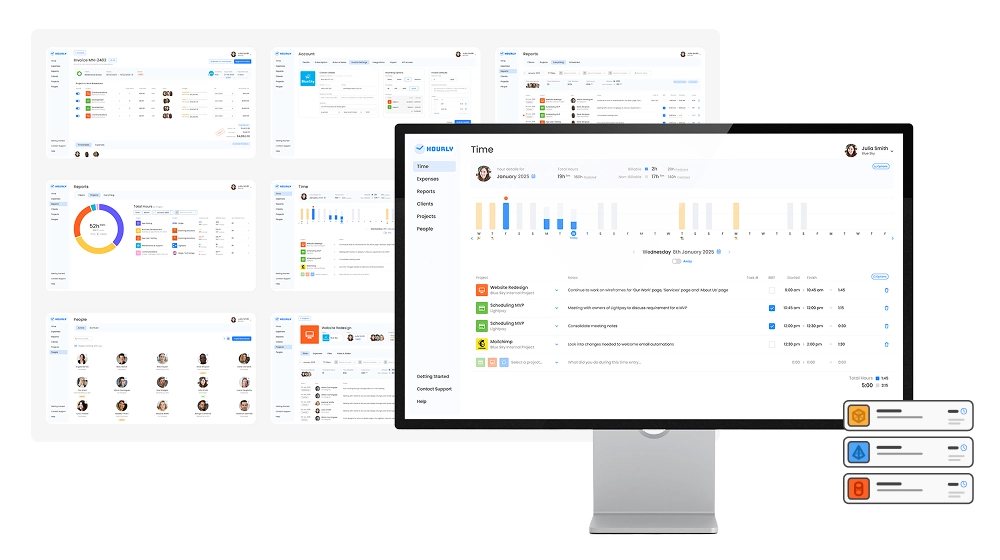
UI refresh
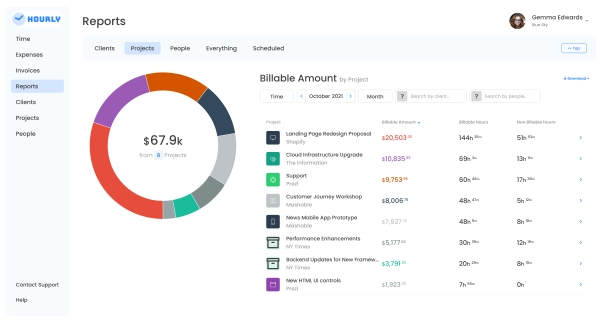
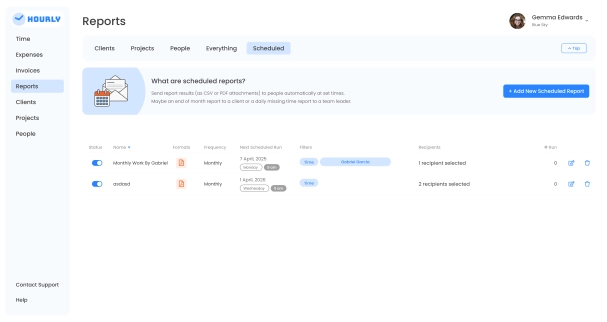
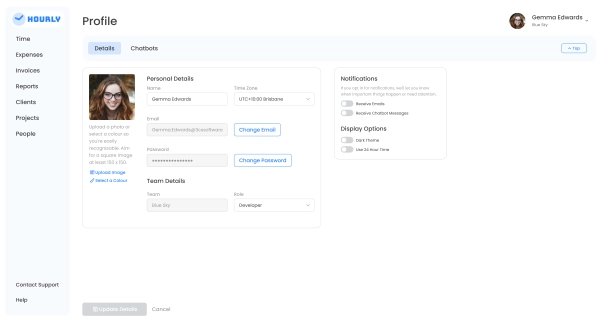
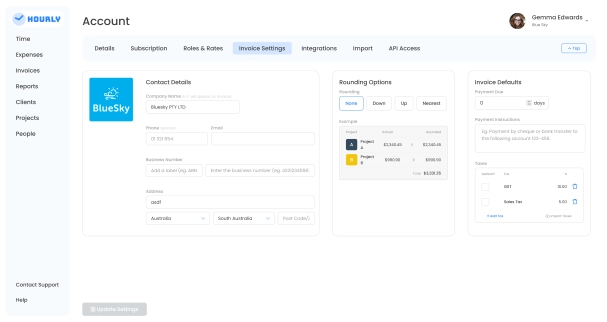
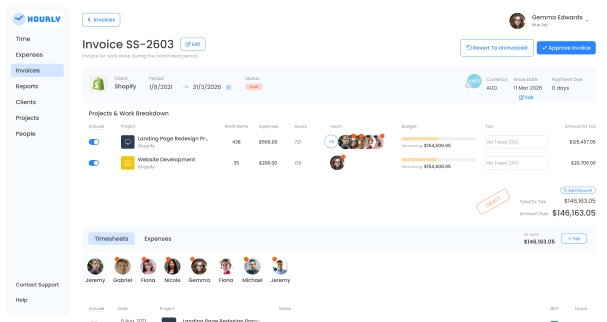
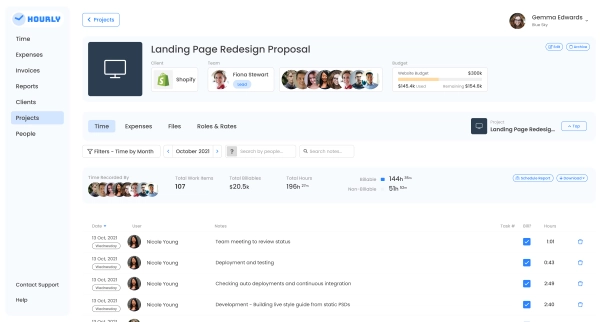
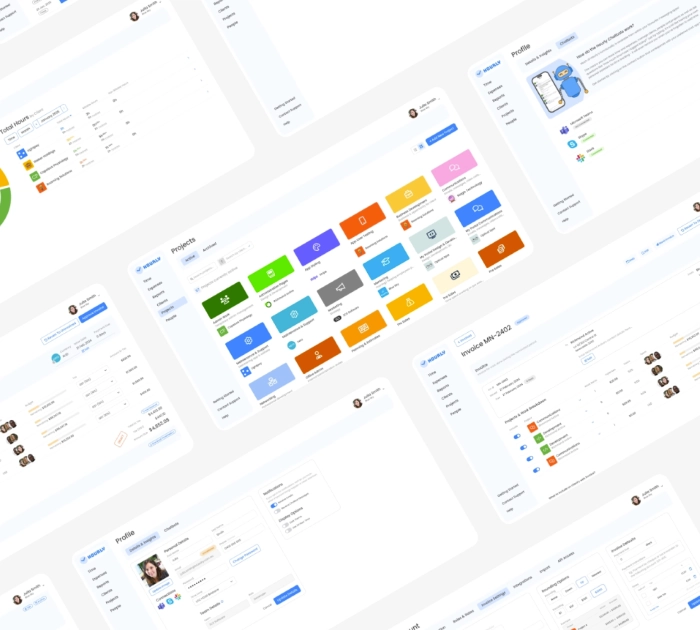
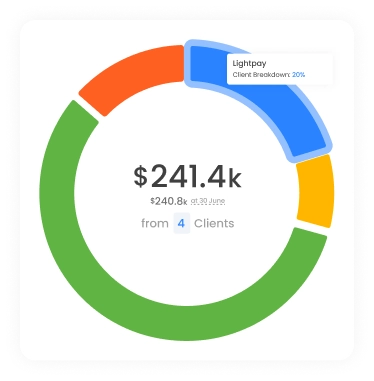
Habit building is easy when it feels good. That's why we've overhauled Hourly's entire user interface to keep making time entry an enjoyable part of your day. Discover a whole suite of refreshed themes, animations, illustrations and colours that transform the tedious process of time entry into a satisfying daily practice.
Smarter calendar visuals
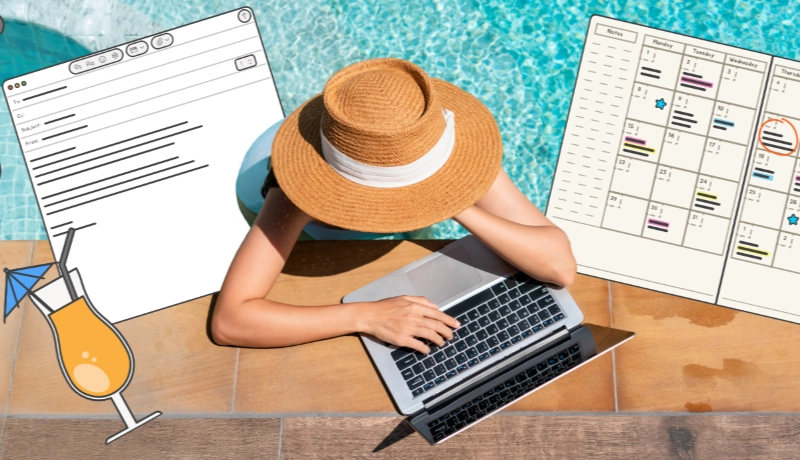
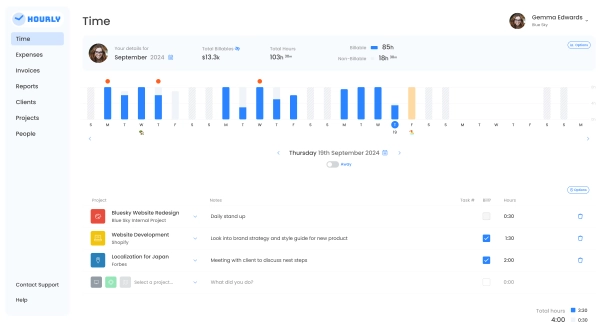
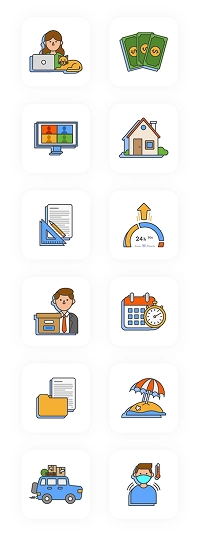
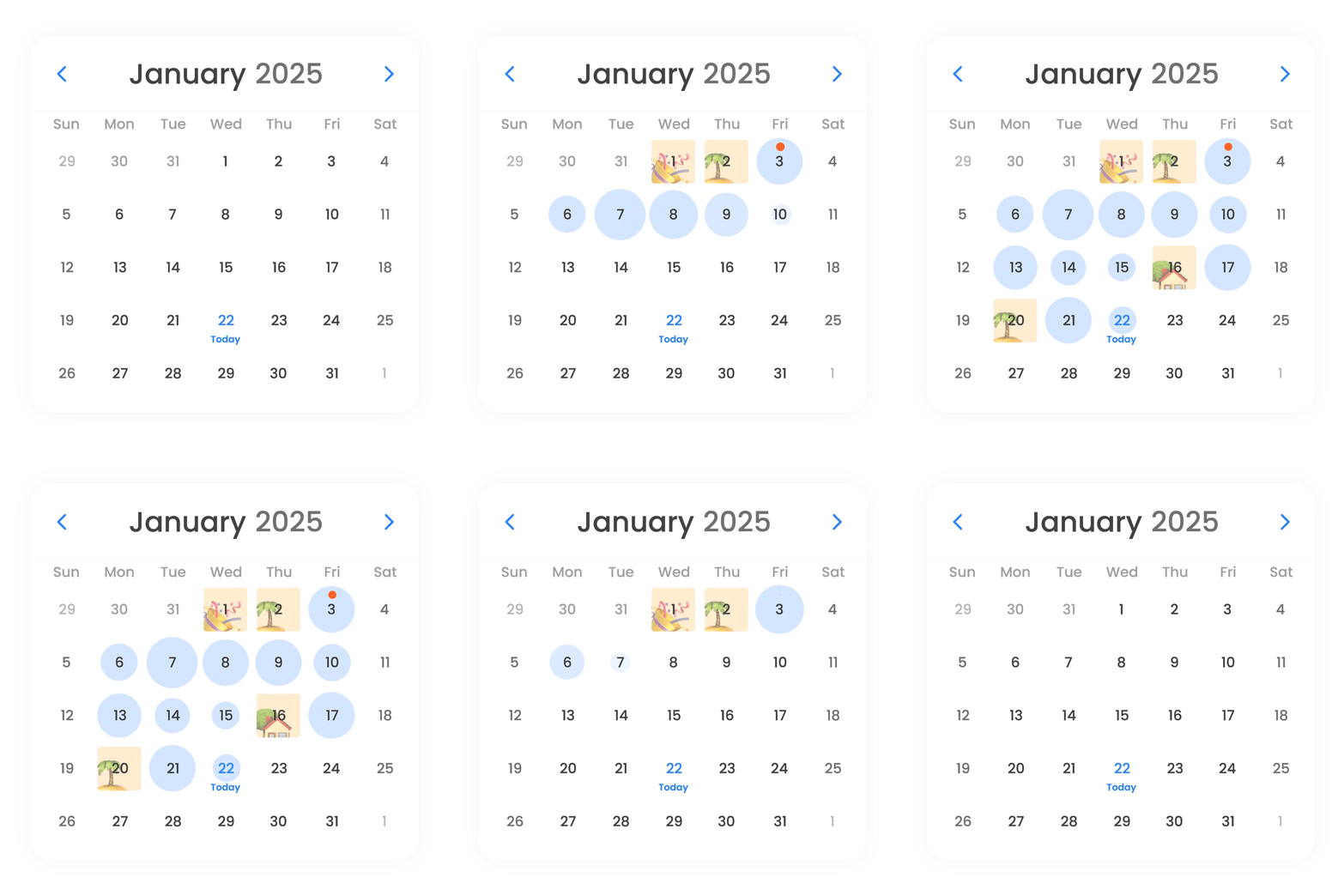
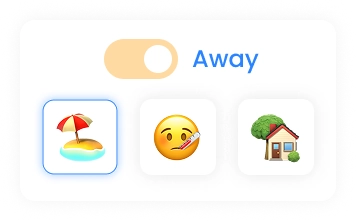
We've upgraded Hourly's calendar view so you can see any previous or upcoming leave at a glance. Mark away days with 'Sick', 'Holiday' or 'Other', and the corresponding graphic will appear over
those days on the calendar.
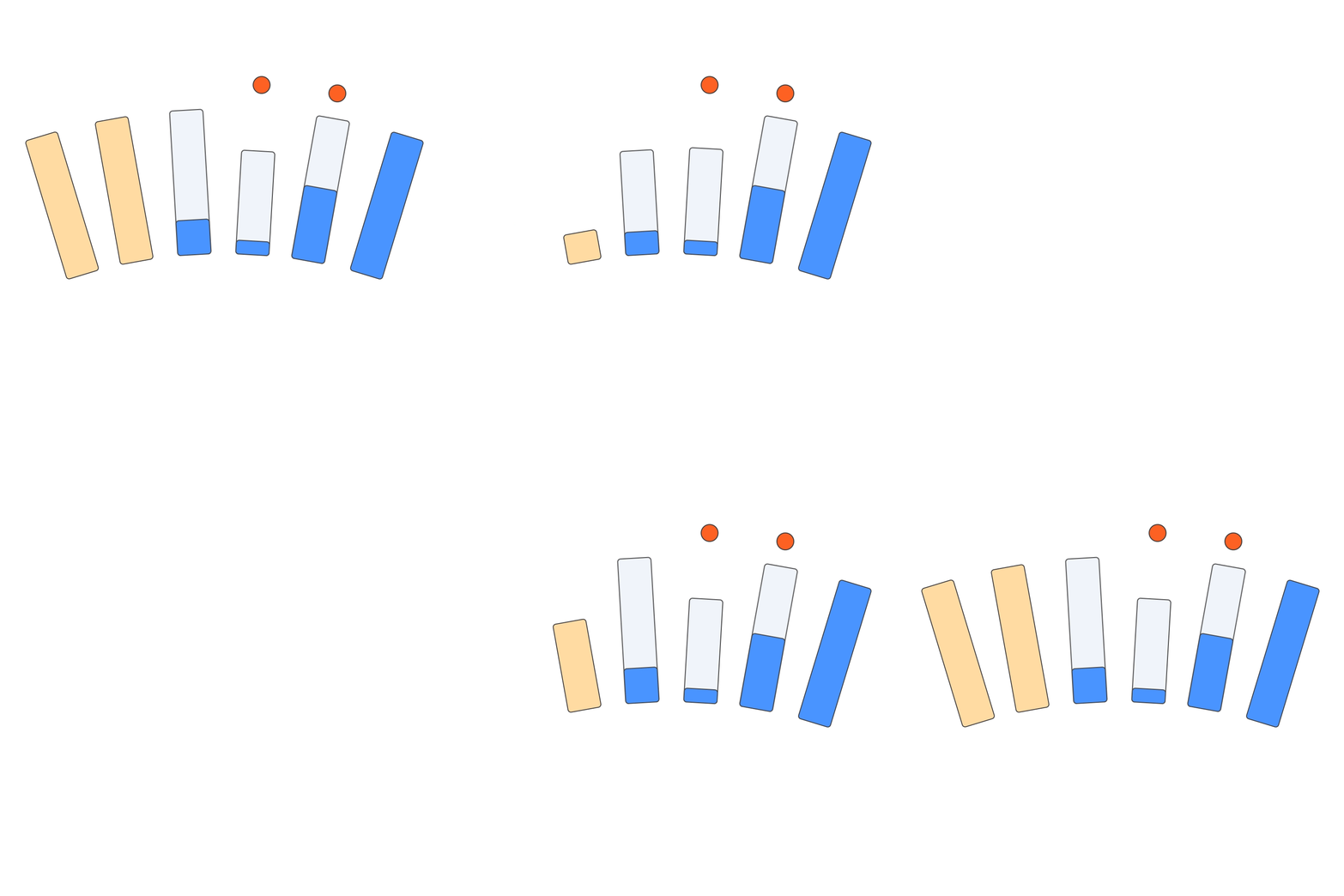
You can also use the calendar to gain an overview of the time tracked each day, with 'time clouds' that grow after each new entry.
Enhanced reporting features
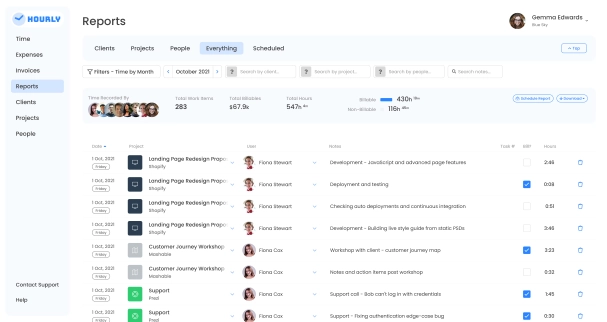
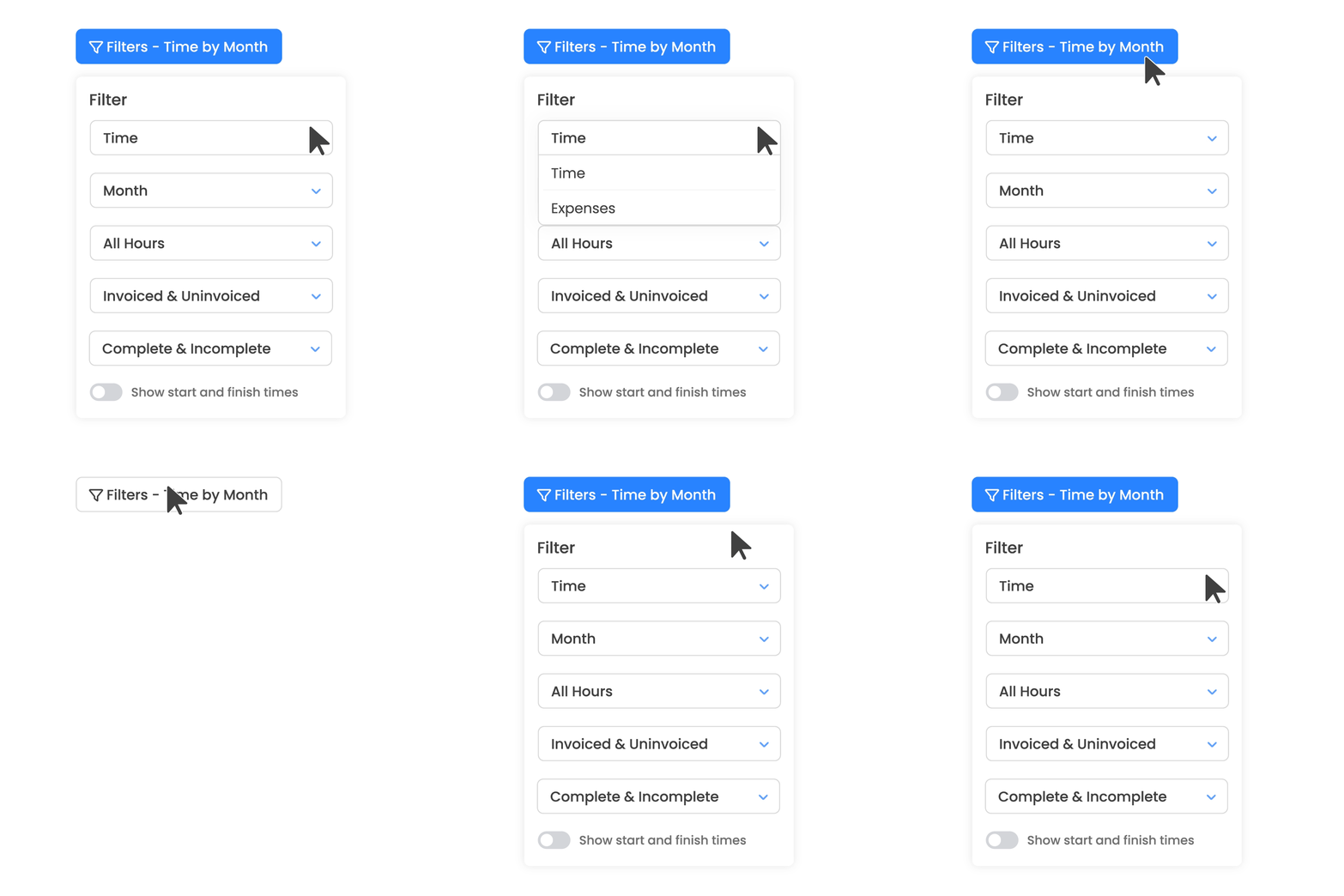
We've made it easier to navigate filters in Hourly's 'Everything' report with a newly customisable drop-down menu. Toggle between billable and non-billable time, invoiced and non-invoiced entries to seamlessly filter the data you need.
Refined mobile experience
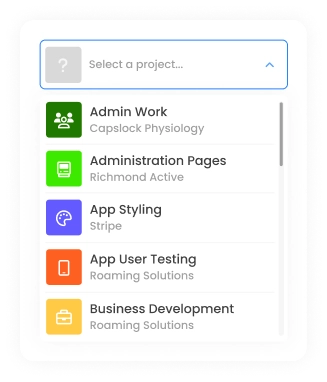
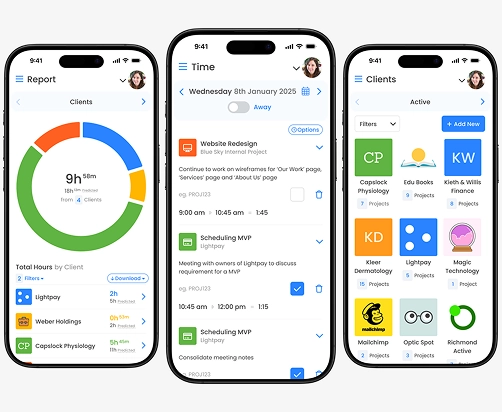
Many Hourly users like to log and edit entries when they're on the go. That's why we've overhauled our mobile web app, with better filters, collapsable entries and intuitive drop-downs that fit to your screen size and make time tracking easier when you're out of the office.
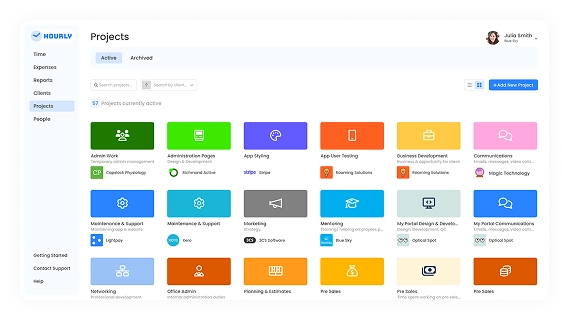

Customisable list view
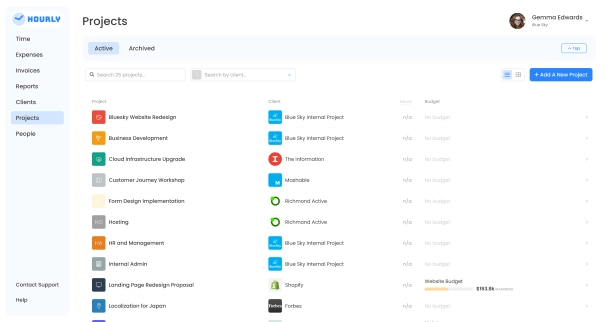
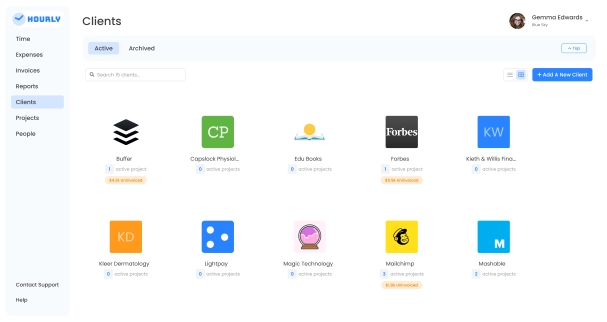
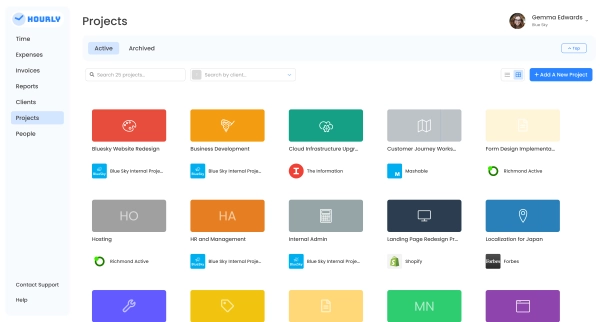
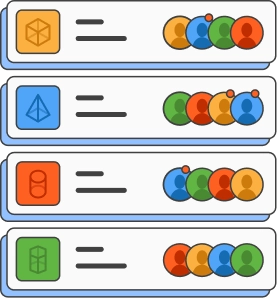
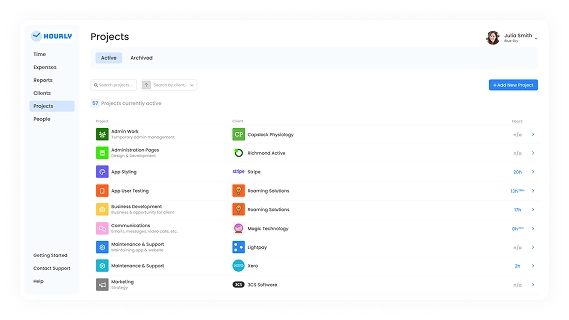
It's easier to find your clients, projects and people with our new 'list' and 'grid' views. Find the icon in the top right of your screen.